A clear view of your console.
Current title, temperatures, storage, modules, and a PC screen capture. Know where you are before taking the next step.
See the readings BASIC · EARLY ACCESS
XBOX 360 / LOCAL COMPANION
See what’s running. Find the file. Take the next step—with a browser workspace that keeps your console close.
Free public source. Local bridge. Early access.

From your PC
to your Xbox 360.
MORE THAN A STATUS SCREEN
Basic brings Neighborhood-class tools into your browser. Each operation keeps its own confirmations, capability checks, and recovery limits.
Current title, temperatures, storage, modules, and a PC screen capture. Know where you are before taking the next step.
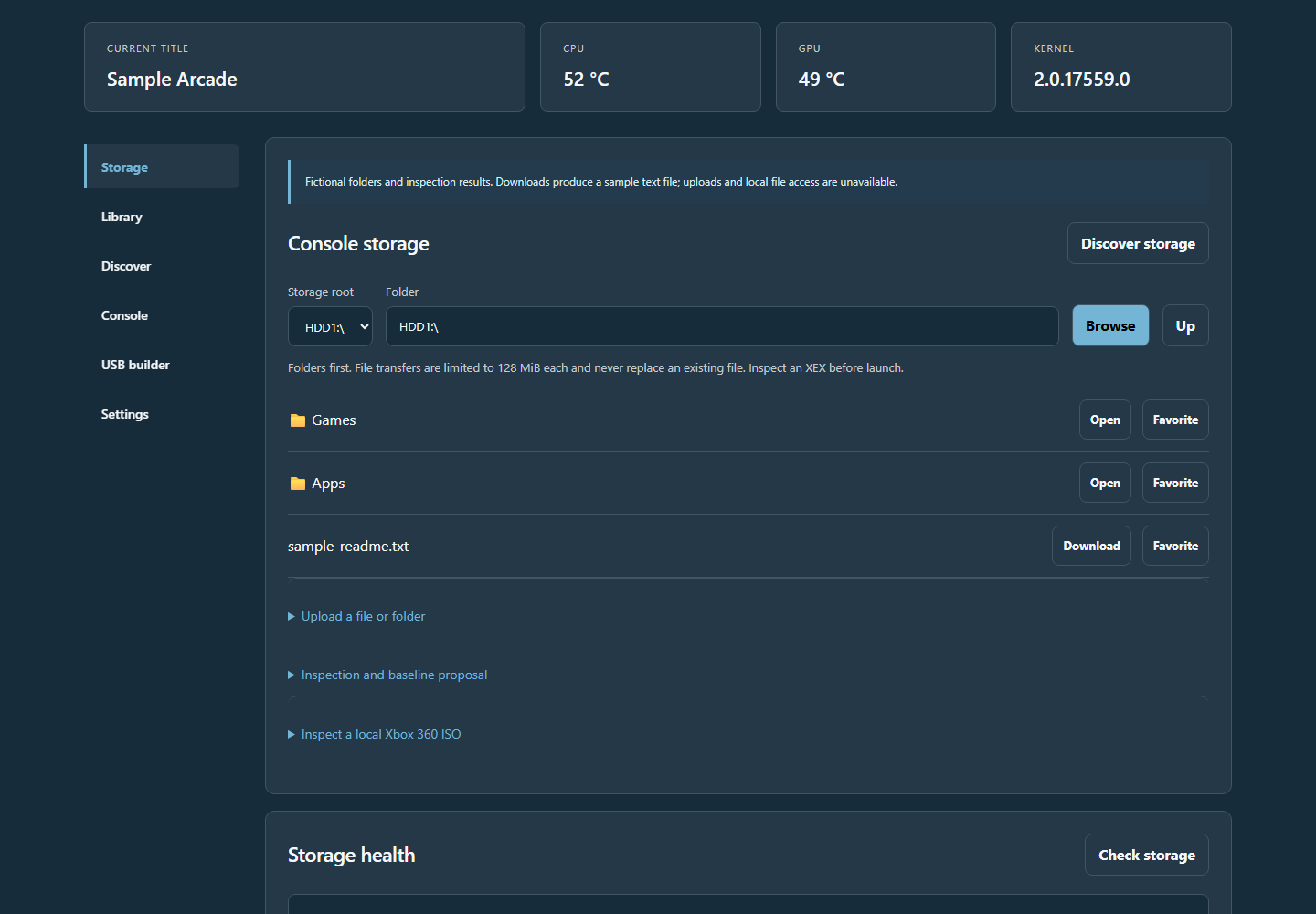
See the readingsBrowse storage, save a library, transfer files and folders, and inspect XEX files before launch. Keep limits and sources visible.
Explore file toolsPower, notifications, short controller pulses, and guarded module and launch.ini tools. Phone access stays status-only.
Understand the controlsTHE CONNECTION STAYS NEAR YOU
Start Link on your computer, connect through Neighborhood or supported direct XBDM operations, and open the local workspace.
See how it connects ↗ONE LINK. CLEAR EDITIONS.
The edition boundary follows the work—not whether a button changes something.
Status, storage, transfers, library tools, and Neighborhood-class console controls. PC tools and a paired phone status view.
Get BasicPro adds editor-specific workflows. Existing access is checked on the protected download page. Checkout is not open.
Compare editions ↗Hardware coverage is limited. A source update or simulated result is not a promise that every operation works on every setup.
Read the current holds, platform differences, and untested paths before installing.
Read testing & compatibility ↗LOOK BEFORE YOU CONNECT
Explore the current Basic interface with sample data. No console, download, or account required.
Open the demo